
Construction estimating
Estimate a construction job end to end, in a browser tab.
Start from the whole job — a bathroom, a slab, a roof — or from any of 1,160 calculators and 382 trade guides. Enter your measurements once: every figure shows its formula and the standard it comes from, in imperial or metric.
First job here? Start a job, step by step
PopularConcreteSquare FootagePaintAir Conditioner SizeRenovation Budget
Start from the job
What are you building?
- BathroomTiles, board, adhesive and the extract fan
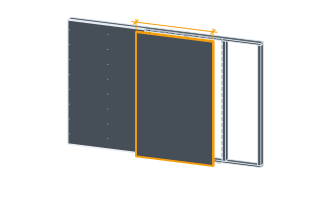
- KitchenUnits, worktop, splashback and floor
- A roomBoard, filler, paint, floor and trim
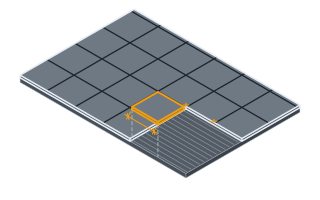
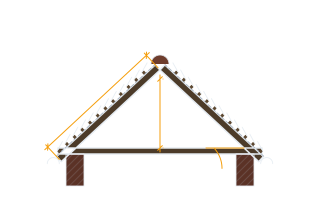
- RoofUnderlay, battens, tiles or shingles
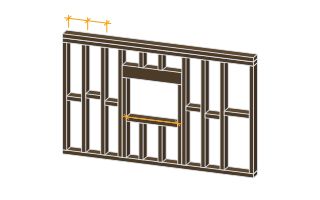
- ExtensionFootings, walls, roof and openings
- DeckBoards, footings, fixings and finish
- PatioPavers, base, edging and sand
- Concrete slabConcrete, rebar and formwork
- All 76 jobsInteriors, wet rooms, the envelope, structure, services and outdoors
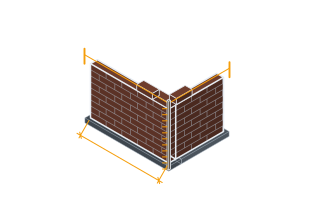
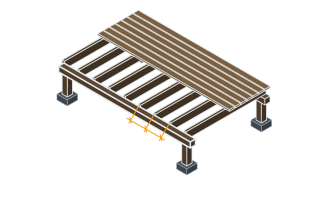
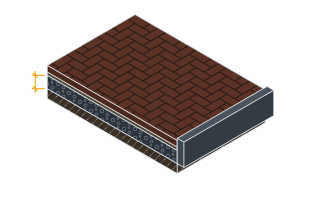
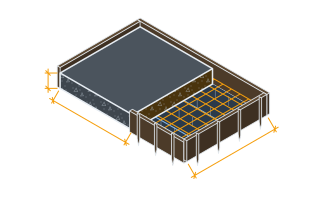
How a job runs here
One job, start to finish
Pick or draw the job
Choose one of the job takeoffs, draw the room to scale, or describe the project in your own words.
Measure it once
Every trade the job touches comes back from the one set of sizes: each quantity with its formula, its allowance and what to order, and the hours for the work.
Price it your way
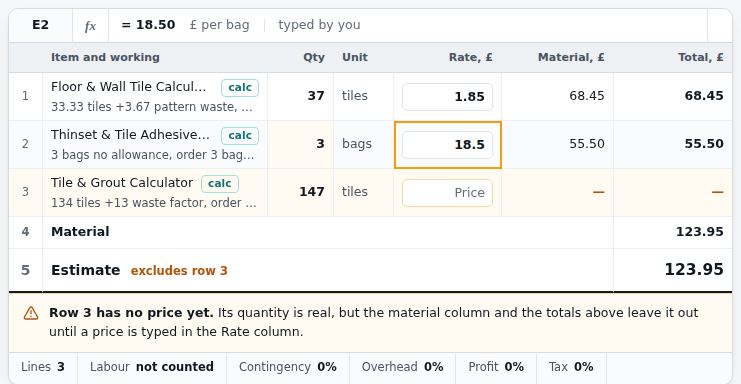
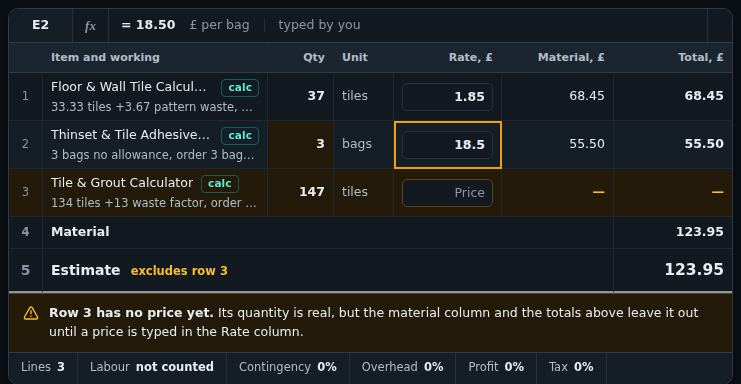
In My Project: your rates on every line, supplier quotes side by side, labour by the hour or per unit, and a range rather than one number.
Send it
The client's proposal, the workbook behind it, a request for prices to your merchants, and a change order when the job moves.
What you can do
From one figure to a priced job
- Estimate sheet
Price the job, then take it into Excel
Your own rates on every line. The Excel download keeps its totals as live formulas, so the workbook recalculates when you edit it; PDF too.
- Job takeoffs
76 jobs, every trade from one set of sizes
Give a bathroom or a deck its dimensions once. Each trade comes back with its base quantity, allowance and what to order.
- House estimator
A whole new house, every material listed
Footprint, walls, roof, doors and windows: the house is drawn, measured wall by wall and run through the takeoffs, openings taken off.
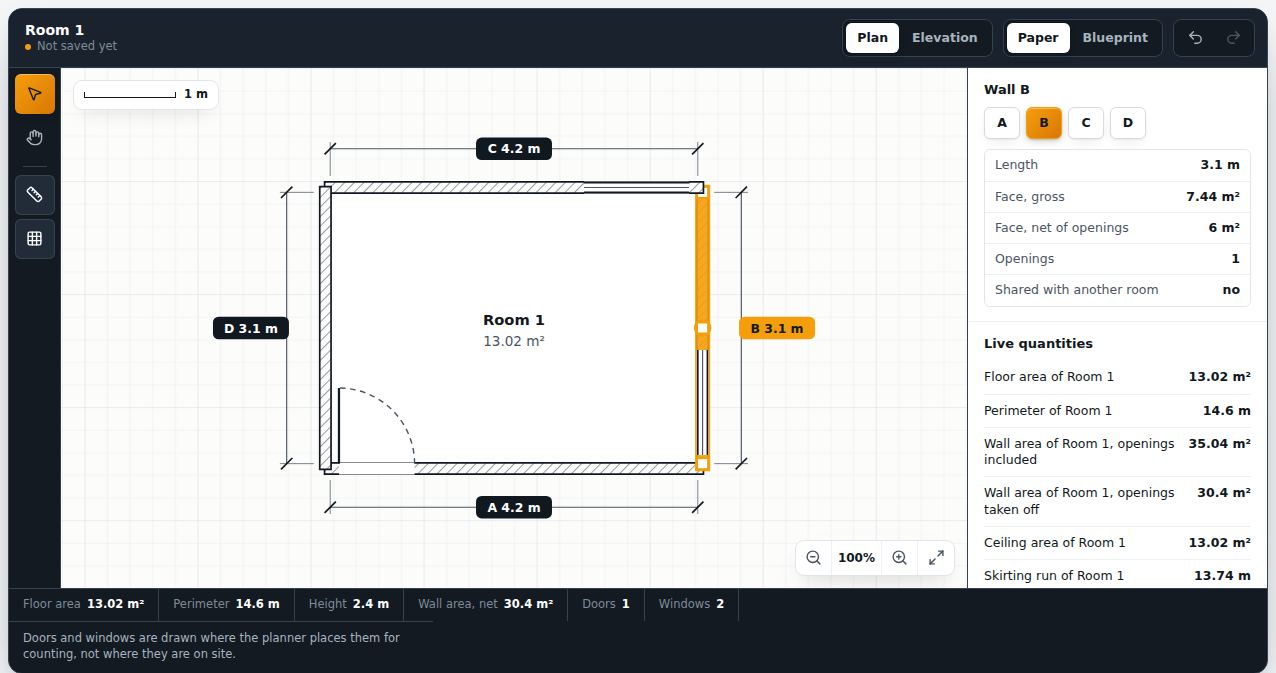
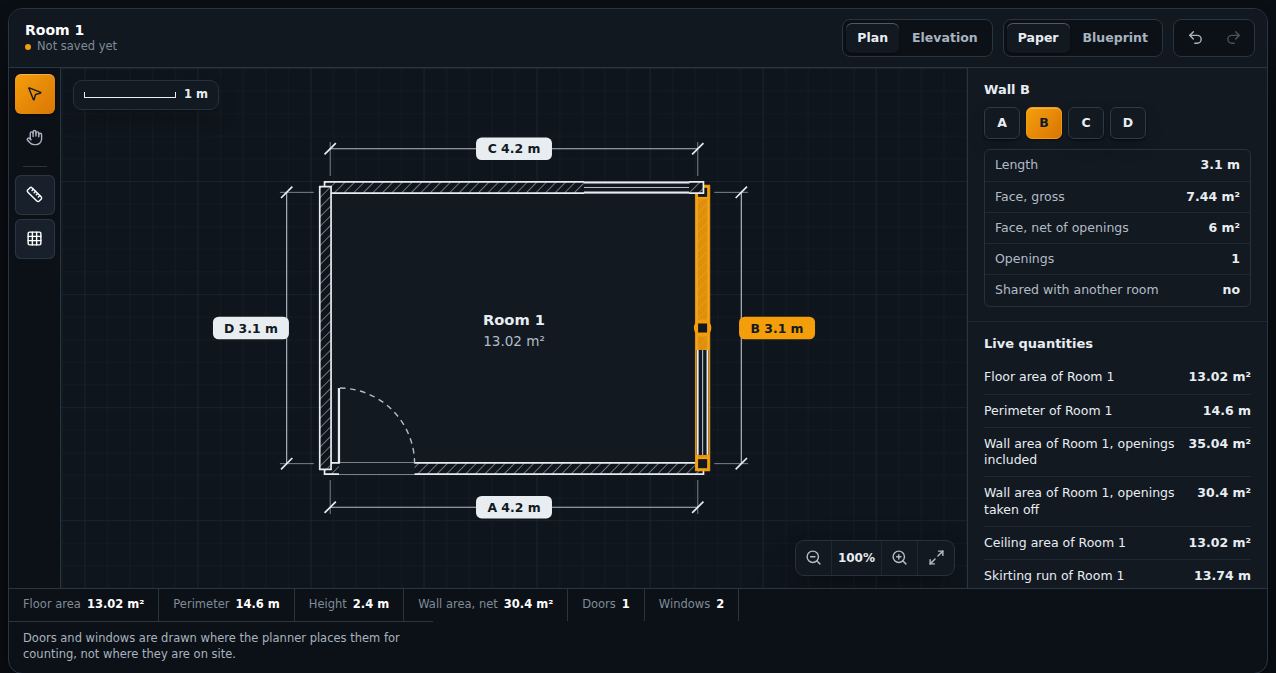
- Plan canvas
Draw the room to scale
Walls and openings on a grid drawn to scale, with zoom, snap and undo. The areas come from the drawing; save it as SVG or PNG.
- Quote reader
Turn a supplier's quote into an estimate
Paste it, or open the PDF, Excel or CSV. Every line becomes editable, and any line read with a guess is flagged with its original text.
- Field tools
Instruments from the phone in your pocket
A bubble level, a roof-pitch clinometer, a screen ruler and a photo takeoff, in the browser. No app to install.
Live, on this page
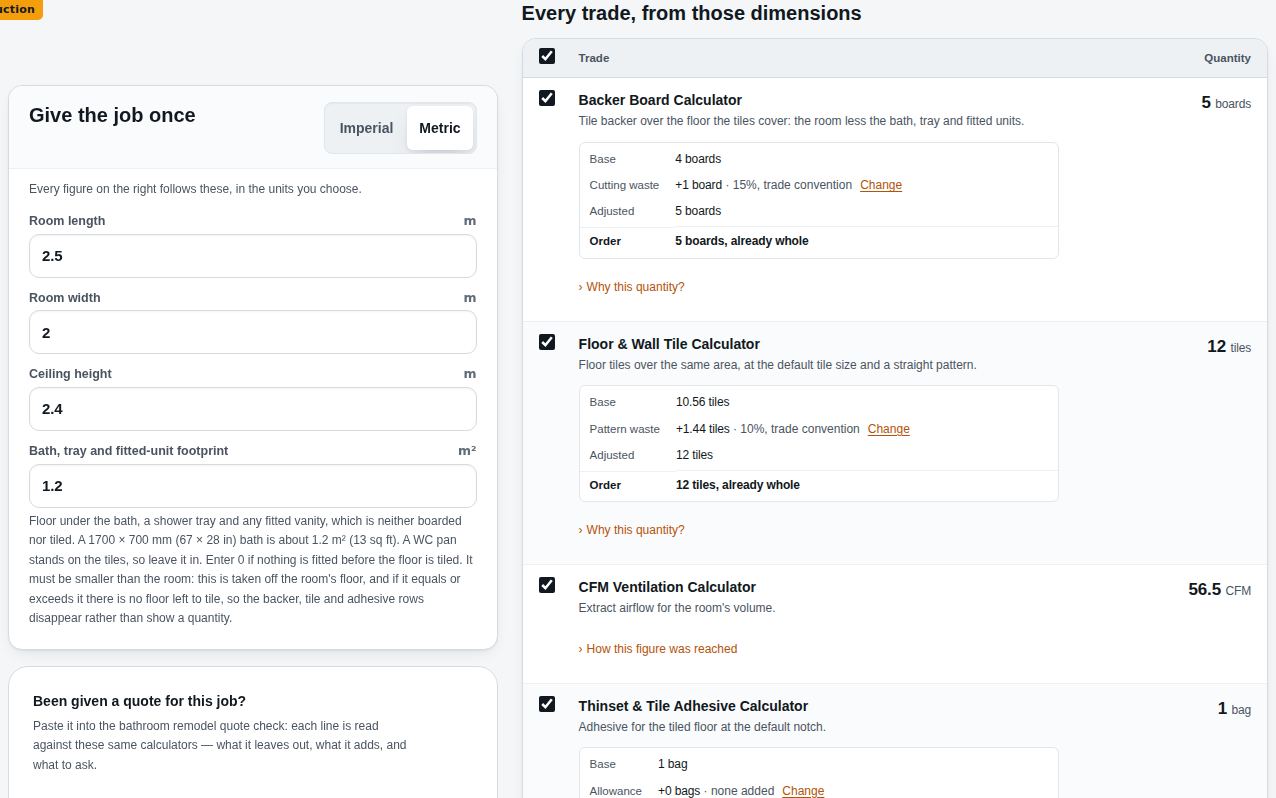
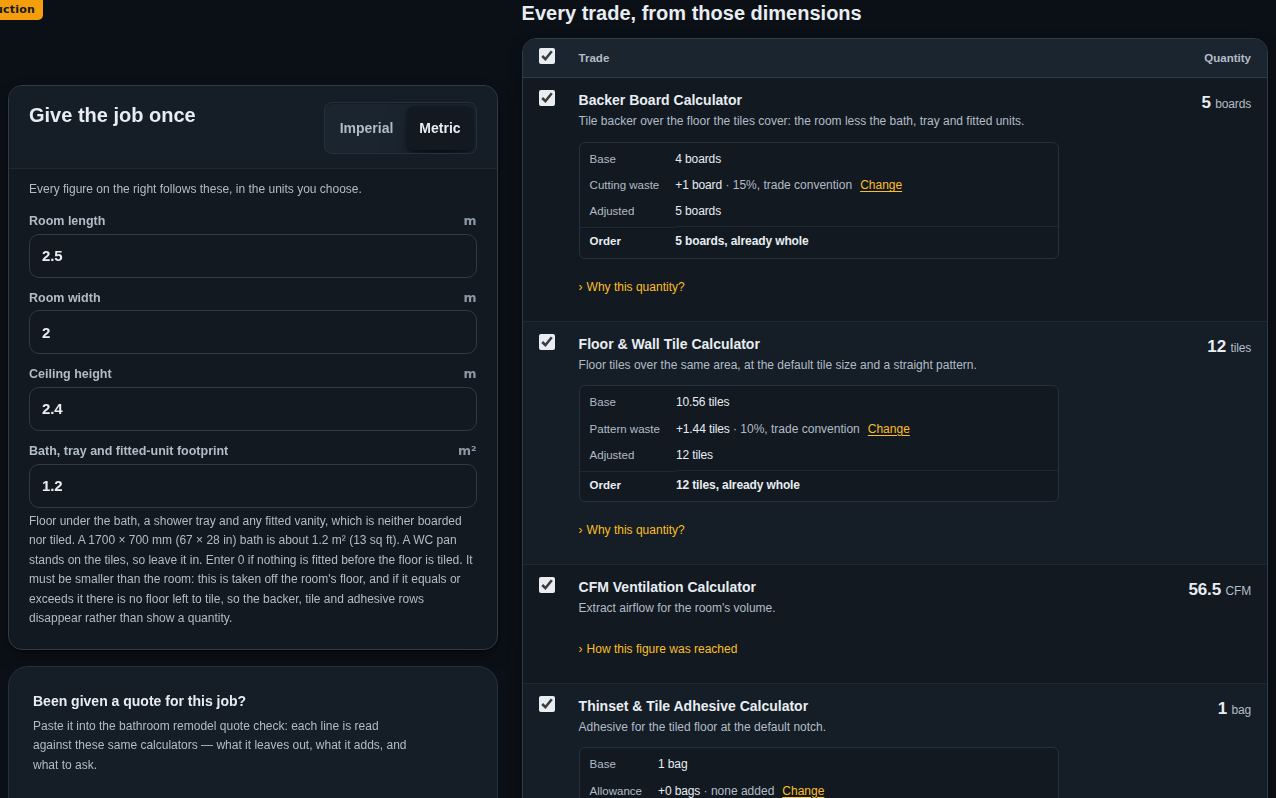
A room fit-out, worked out as you change it
Not a picture of the takeoff: the takeoff itself. Seven calculators read the same five measurements, each adds its own allowance and rounds to what is bought, and the labour rates give a range of hours for the work. Move a wall and every figure follows it.
The room
Quantities and person-hours only, never a price. The hours are a range from trade rules of thumb.
Not sure where to start
Answer two questions and land on the right takeoff
What are you working on?
Why the numbers hold
Every figure shows its working
Every answer shows the formula behind it and the source that formula comes from, and every calculator is tested against cases worked by hand. Nothing is a black box.
- calculators
- 1,160
- hand-checked test cases
- 3,338
- source citations
- 2,023
- trade guides
- 382
- Methods citedHow each formula is derived, and the sources it rests on
- Standards namedWhat each cited standard governs, and which calculators use it
- Runs in your browserYour figures stay in your browser
- Works offlineA calculator you have opened keeps working
Explore by trade
13 trades, 1160 calculators
When one number is not the job
Put the results in a project and get the bill of materials
Every calculator can send its answer to a workspace that holds the whole job: your own unit prices, the tools each operation needs, and the waste allowance you chose with a note of where it came from.
Your rates, not ours
Unit prices are fields you fill in. Nothing is fetched and nothing is assumed.
Materials and the tools for them
Each operation lists the equipment the work needs alongside the quantities.
Exports
XLSX, PDF and DXF — written in this browser, from the figures on this device.